Quick Training Thoughts: Cisco Network Academy (CCNA)
Author's note: Originally written September 2026. Posting was delayed due to Publii posting issues.
For the past 9 months, I've been grinding away at Cisco Network Academy's three part CCNA course. Why? Because I saw a graphic showing that the CCNA, plus two certificates I already had, the CompTIAA Network+ and Security+, were great qualifiers for a cybersecurity network engineer.
Having finally completed that grueling marathon, I'll talk about what I liked, didn't like, and some tips for prospective students.
Table of Contents
What I liked
User Driven Pacing
One of the greatest benefits of online only/online primary education schemes is the self-paced nature. You can go as fast or slow as you want/need, instead of being held prisoner by how fast your teacher and/or fellow students can get through the material.
Now, there's some tips I'll get into later about this, but overall, I'd say it's a positive.
Cisco Network Academy breaks up the CCNA into three courses. I wound up completing each course in 2.5 to 3 months, with the majority of that time spending 2-3 days per week on the course material. I believe it's easily possible to beat my pace, depending on your circumstances.
IOS Command Practice
Another positive is that Network Academy actually has a decent amount of interactivity. One area where that is greatly appreciated is Cisco IOS command practice.
Cisco IOS is a command line interface operating system for Cisco routers and switches. There are a multitude of commands you'll be exposed to throughout each course, and memorizing them definitely helps with the Packet Tracer exercises. One thing that definitely helps with memorization is using the commands, which doesn't require the full Packet Tracer experience.
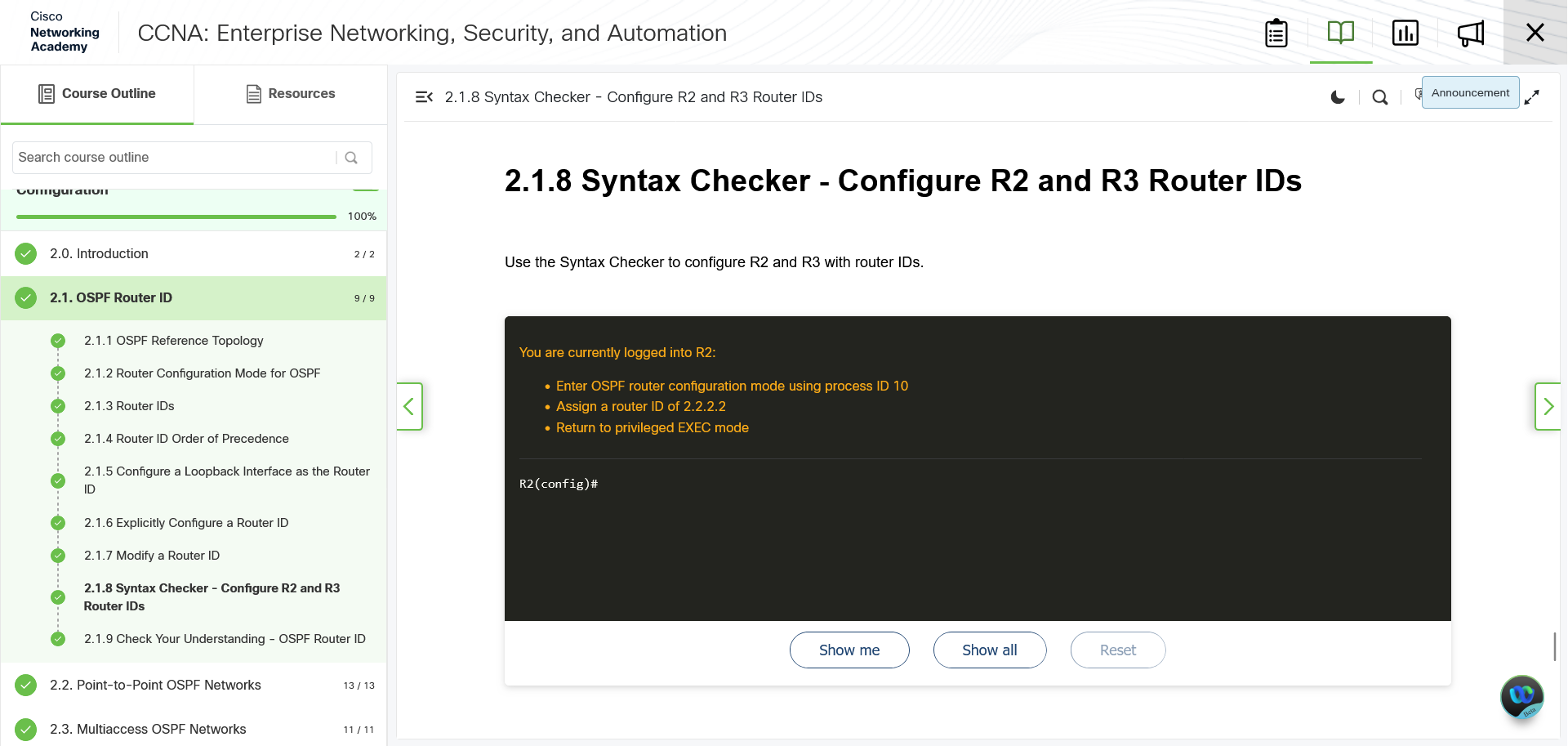
Syntax Checker is an interactive CLI simulator where you're given a task related to recent lessons. Each task is broken down into multiple steps that require Cisco IOS commands to execute some Cisco device configuration. Crucially, it allows you to reveal what a specific command is, or even the entire set of commands. That means you're never going to be trapped in an exercise, unable to complete it.
Syntax Checker has a few drawbacks though:
- The instructions are contained within the same window as your inputs, so if you get a streak of typos, you're going to have to start scrolling.
- Syntax Checker will only accept complete commands and pre-approved abbreviations. Everything else counts as incorrect input.
Item number 2 on that list is the most frustrating. The problem with CLI is that the longer and more complex your command strings are, the more probable it is that you're going to typo somewhere. Cisco IOS itself actually allows you to use abbreviated versions of the commands without an issue, but Syntax Checker doesn't.
At most, Syntax Checker will allow abbreviations for interfaces. For example, instead of gigabyteethernet 0/0/0, you get told to use g0/0/0. This does save you some time and typos, but you'll probably stumble a few times on new commands.
My personal recommendation is getting 3 to 5 clean passes on Syntax Checker before moving on. That should make it easier to deal with the next item on the list.
Packet Tracer Exercises
Packet Tracer is a free Cisco network simulation program, with the caveat that it requires a Cisco account. Since you're already doing Network Academy, you have an account, which mitigates that headache. Packet Tracer also has a periodic account check, which handles itself automatically.
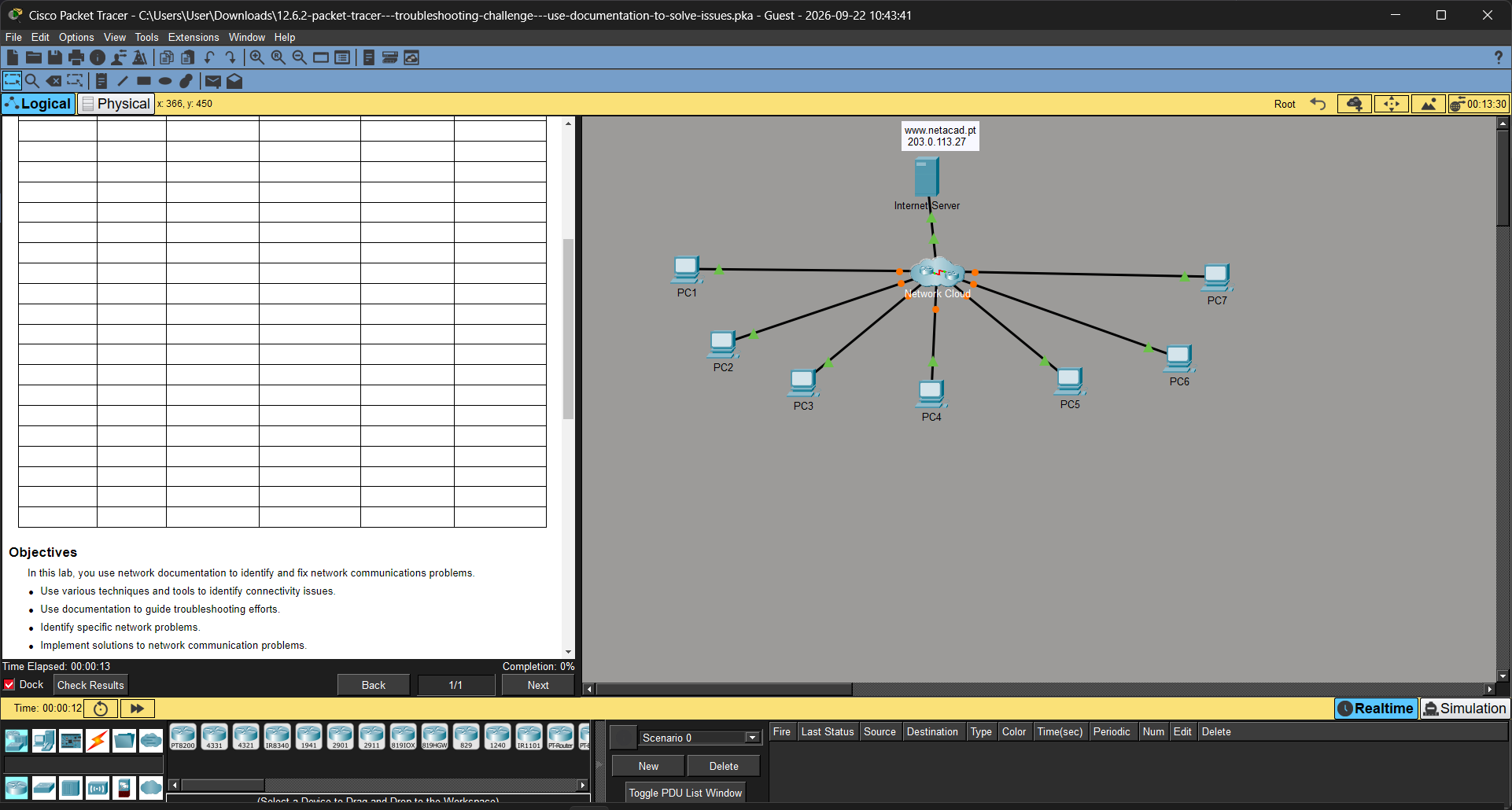
One of the best things about Cisco Network Academy is that you download all the exercises and their instructions, allowing you to keep them forever. This means you can take as much time as you want/need to go through each one, and even return to them years down the line for a refresher.
(Downloading the PDF is unnecessary, because the Packet Tracer exercise has the instructions built in. Viewing the PDF, however, is necessary, as part of the Network Academy progress tracking.)
The exercises also incorporate a progress checker, allowing you to spot check your own work to a degree. It won't give you exact errors, but it'll visibly show if you've gotten something correct or not.
The most likely thing to trip you up on these exercises, besides forgetting/typo-ing commands, is subnetting. Many of the exercises will demand you use the network address of Y subnet of an X subnetted network, and it's really easy to get tripped up here.
The next most likely thing to trip you up is removing cables in physical mode without resetting the whole exercise. Cisco's Packet Tracer tutorials are pretty terrible, so it's easy to get far along without knowing how to do this. The easiest way I've found is to inspect the front/rear of the switch/router that has a cable connected, click the cable in the interface, then click the pegboard filled with cables.
Thankfully, there's a lot of Packet Tracer exercise tutorial videos to help you figure out where you went wrong and learn how to do things right.
Unlimited Retries
One of the most miserable elements of gaining certificates is that they require a hefty time and/or money investment, and all of that can end in failure.
So it's actually a relief that Cisco Network Academy gives you unlimited tries on the online portions.
This shifts the quizzes and exams from "all or nothing, failure is not an option" to a more casual "you think you're up to the challenge?" type engagement. You can bullrush right into them just to see how well you'd do or to discover what your blindspots are. You can take the time to study before each one. All strategies are valid, and you're not penalized for your choice. The only cost is time.
This includes the practice exams, both the multiple choice exam and the Packet Tracer exam. (There are in fact multiple practice Packet Tracer exams, and they're almost always harder than the actual final PT exam.)
So feel free to take as many shots as you want/need at a challenging quiz/exam!
What I Didn't Like
Academic Prose
If you've read any textbooks, you know what I'm talking about.
Academic prose is an exhausting thing to read, because it's just slightly too verbose and tends to bury the actually useful information in filler. This is especially miserable for people who take handwritten notes like me, because I have to spend time reading the text, figuring out what's actually important, looping back to make sure I don't miss something, and then proceeding.
Many sections are not that bad, but all it takes is one module where it's mostly academic prose for your momentum to nose dive.
Even worse, some quiz/exam answers are buried in the academic prose, making getting through the stuff more annoying.
November 2026 update: Continuing with more Cisco NetAcademy has convinced me that a better workflow is reading the prose, then using browser inspection or other tools to feed the text to an LLM. This can make a distilled version that's more friendly to your preferred note format.
Gaps in Interactivity
No course can be 100% hands on. Everything requires some amount of theory and fact-based learning. But two of Network Academy's CCNA courses definitely feel like they can be better balanced.
The first CCNA course was pretty well balanced, peppering plenty of Syntax Checker and Packet Tracer exercises throughout its length. You never got multiple back-to-back sections of nothing but academic prose, which helped maintain interest and momentum.
The other two courses feel like very brief peaks of interactivity, separated by massive valleys of academic prose. This makes it hard to retain IOS skills and knowledge, at least without a practice regimen. For example, there was what felt like a month long gap between Cisco IOS exercises, and it absolutely made reengaging with IOS a miserable experience.
It's especially annoying because many of the more complex Cisco IOS settings/configurations get way less exercises than the basics. The gaps IOS or even Syntax Checker exercises makes it harder to retain and build on that knowledge. While watching tutorial videos on YouTube can help, it'd be better to not have the problem in the first place.
Not Being Able to Copy Text
Cisco Network Academy doesn't let you copy the text of its course material.
On one hand, understandable, because they presumably spent money within the last decade to update the material.
On the other hand, so much of its is fluffed up academic prose that it'd be nice to highlight that text, copy it, paste in a word processor, and rewrite it into something readable.
And yes, that's basically what I do when I make my handwritten notes. But again, it's an annoying and time consuming process that sucks the momentum out of the experience. Whereas copying the text as soon as it loads, pasting it, and editing it as a I read it is a much faster process.
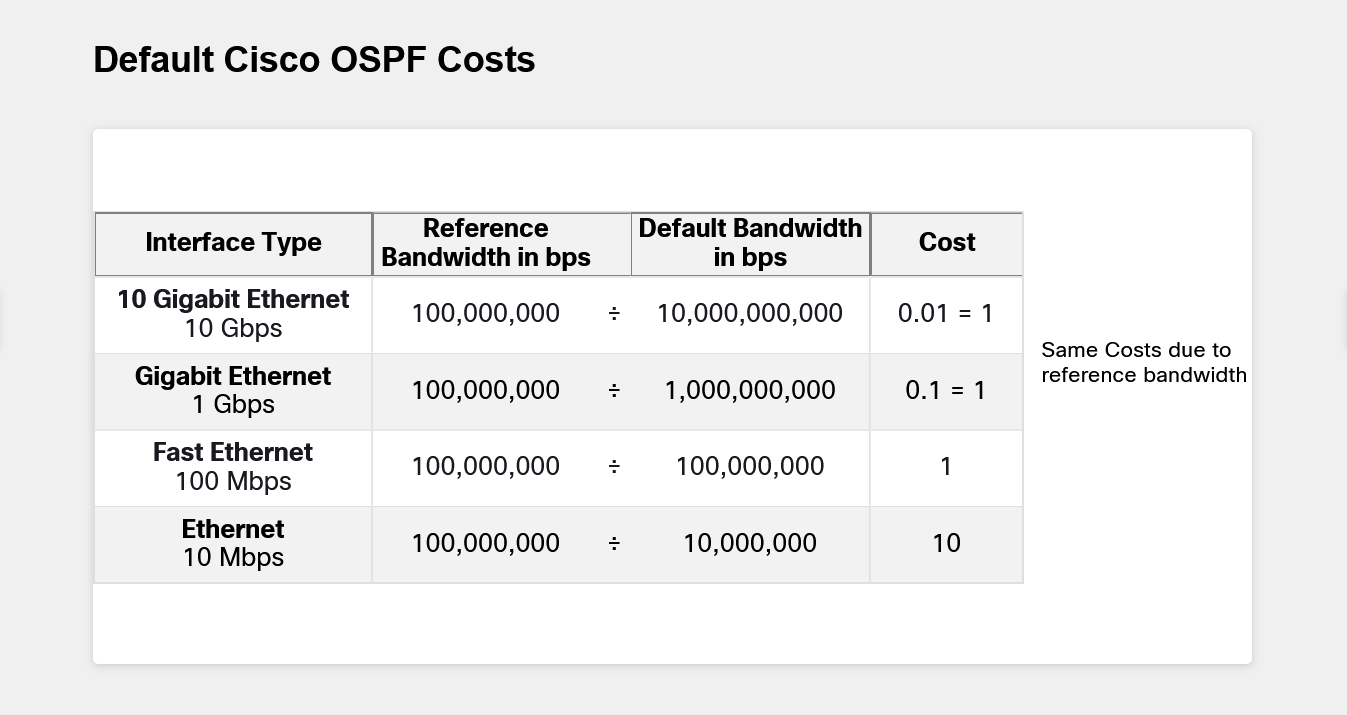
Also, being able to copy the text would hopefully mean being able to copy the many text charts in the material. I wound up making almost 80 screen captures of charts and infographics for the third course alone. I also can't make a digital version of my notes unless I go through a time consuming OCR process. If I'd been able to copy the notes from the site, I could've easily made myself an eBook, put on my phone and other devices, and referenced it whenever I wanted.
Quiz/Exam Errors
There's nothing more annoying than taking a quiz or test, answering with what you know the text says is the right answer, and then finding out, nope, it's the wrong answer!
This isn't a particularly specific criticism for Network Academy, since I've seen this in just about every online platform. That said, Network Academy, as far as I can tell, doesn't give users any real way to flag issues with the quizzes/exams.
So you get to have the fun experience of everything you read saying one thing, while the quiz/exam says another!
Packet Tracer Exam Timers
The practice and final exams are timed events, each lasting 75 minutes (one hour, 15 minutes). I have no issues with timed exams.
I do have a problem when the exam timer starts before you even download the Packet Tracer exam file.
Here's what happens when you do one of the Packet Tracer exams (practical/final):
- You press a button to bring up the exam page.
- You press another button to actually download the Packet Tracer file.
- The Packet Tracer file downloads and opens.
The timer starts after step 1, so you lose up to a minute while steps 2 and 3 execute. You can then lose up to another minute if you have to copy and paste the network address chart and instructions into a word processor to make them readable. (Unlike other Packet Tracer files, the exams use the left third of the window for instructions/reference information.)
The stress naturally increases as the time decreases, so losing time while not even being able to engage with the exam feels terrible.
Now, you be going, "Losing a minute to a minute and a half at the start is not a big deal", but remember, this is stacking with however long it takes you to read the instructions, execute tasks, double check the instructions, and recover from mistakes. The ideal situation is having at least 5 minutes to do any last minute checks/fixes before submitting the result.
Oddly, the Packet Tracer exams have an online connection to a server where your progress is auto-saved/submitted. So it should be possible to have the Packet Tracer program on your PC send packet to the server when the file is 90-95% loaded to trigger the timer. Then, when your system opens the Packet Tracer file, you get up to the full 75 minutes, regardless of network conditions.
The Course Survey
I don't have a problem with end of course surveys. I have a problem with bad end of course surveys.
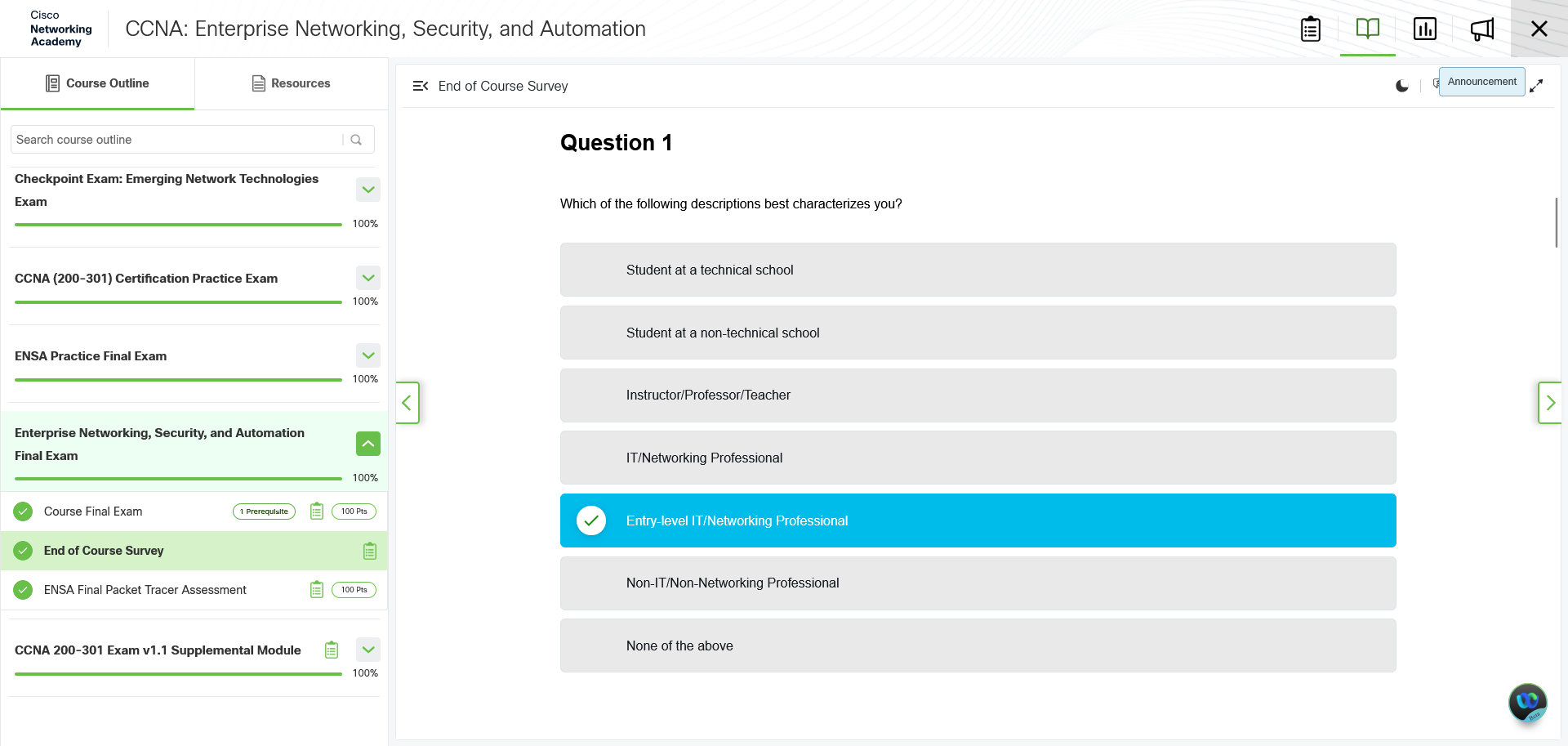
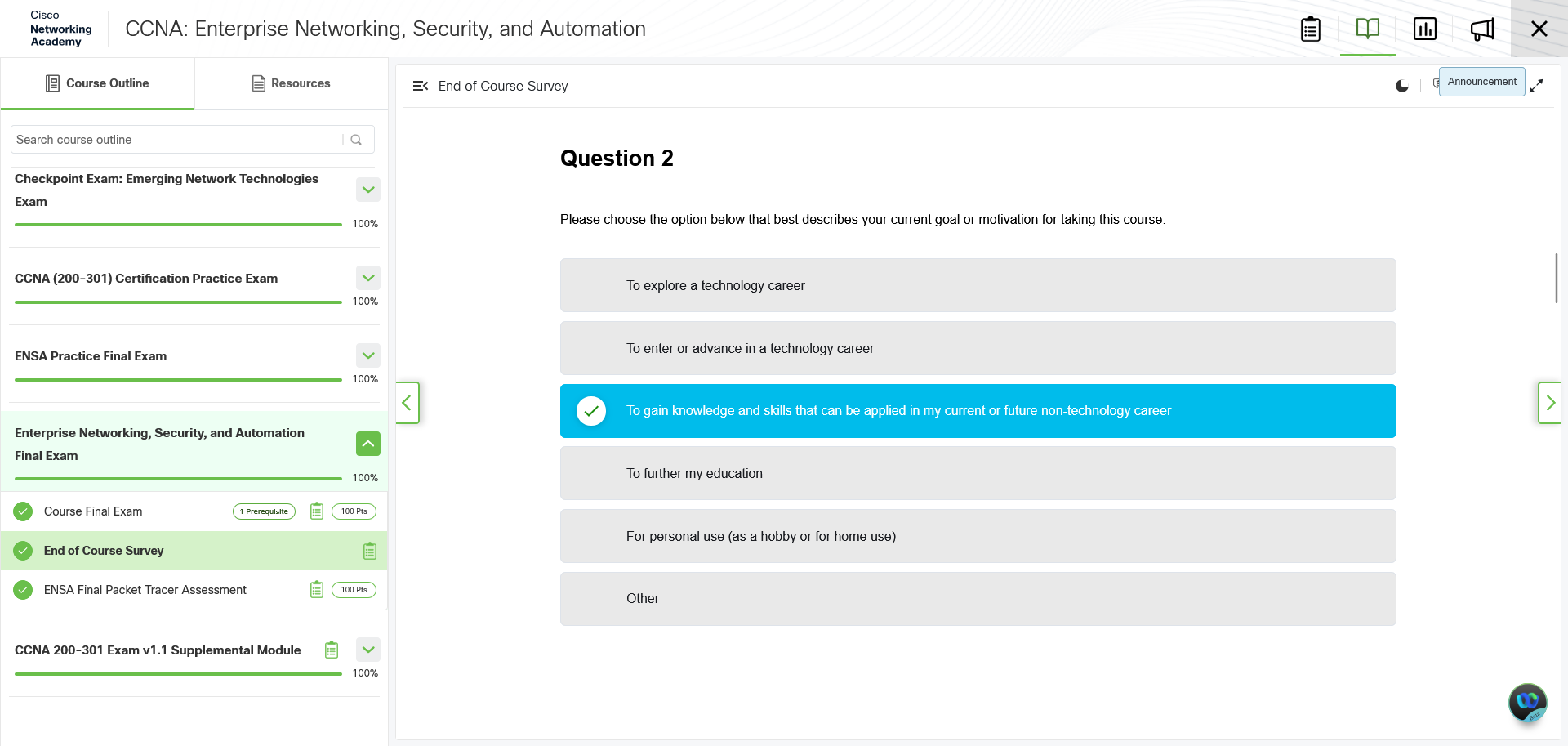
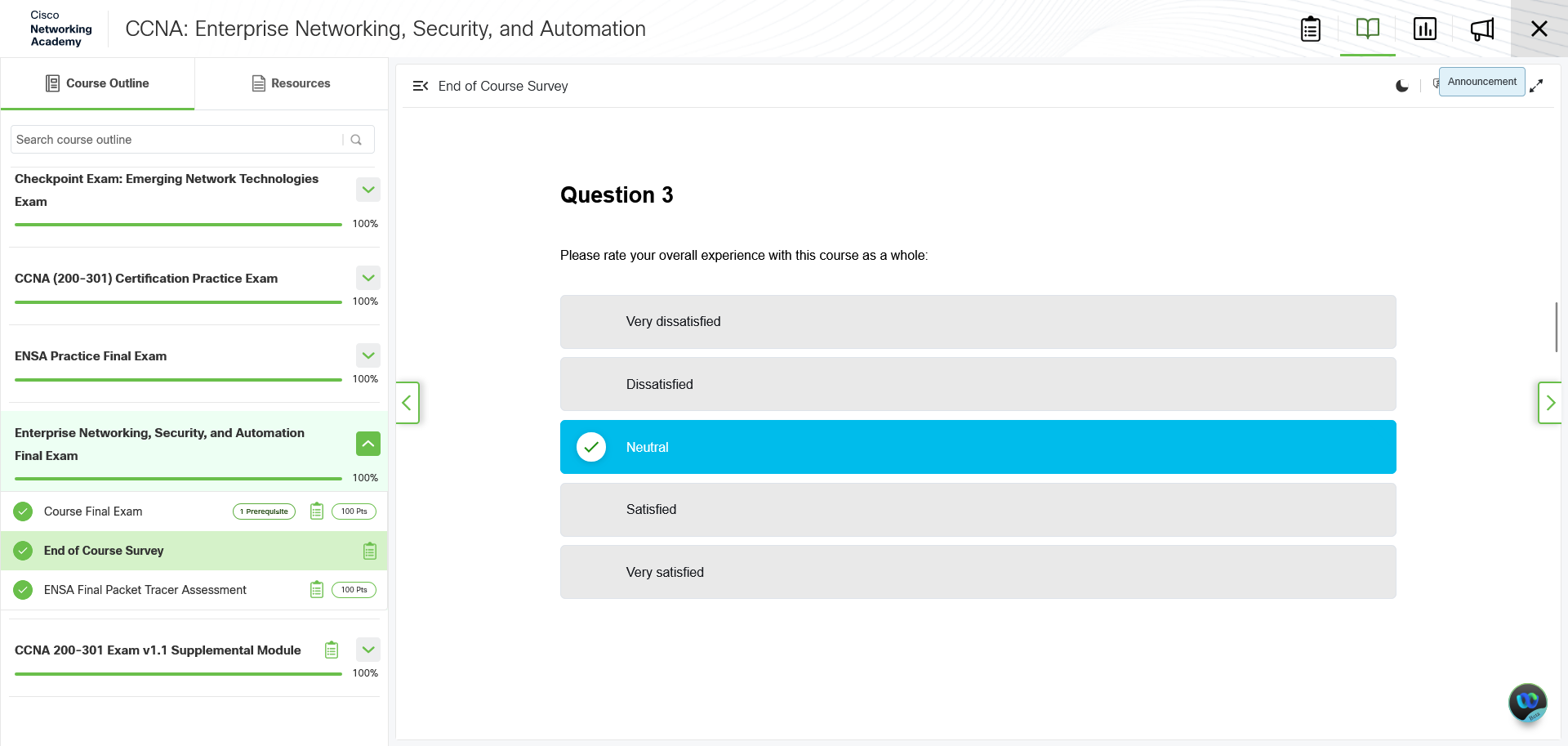
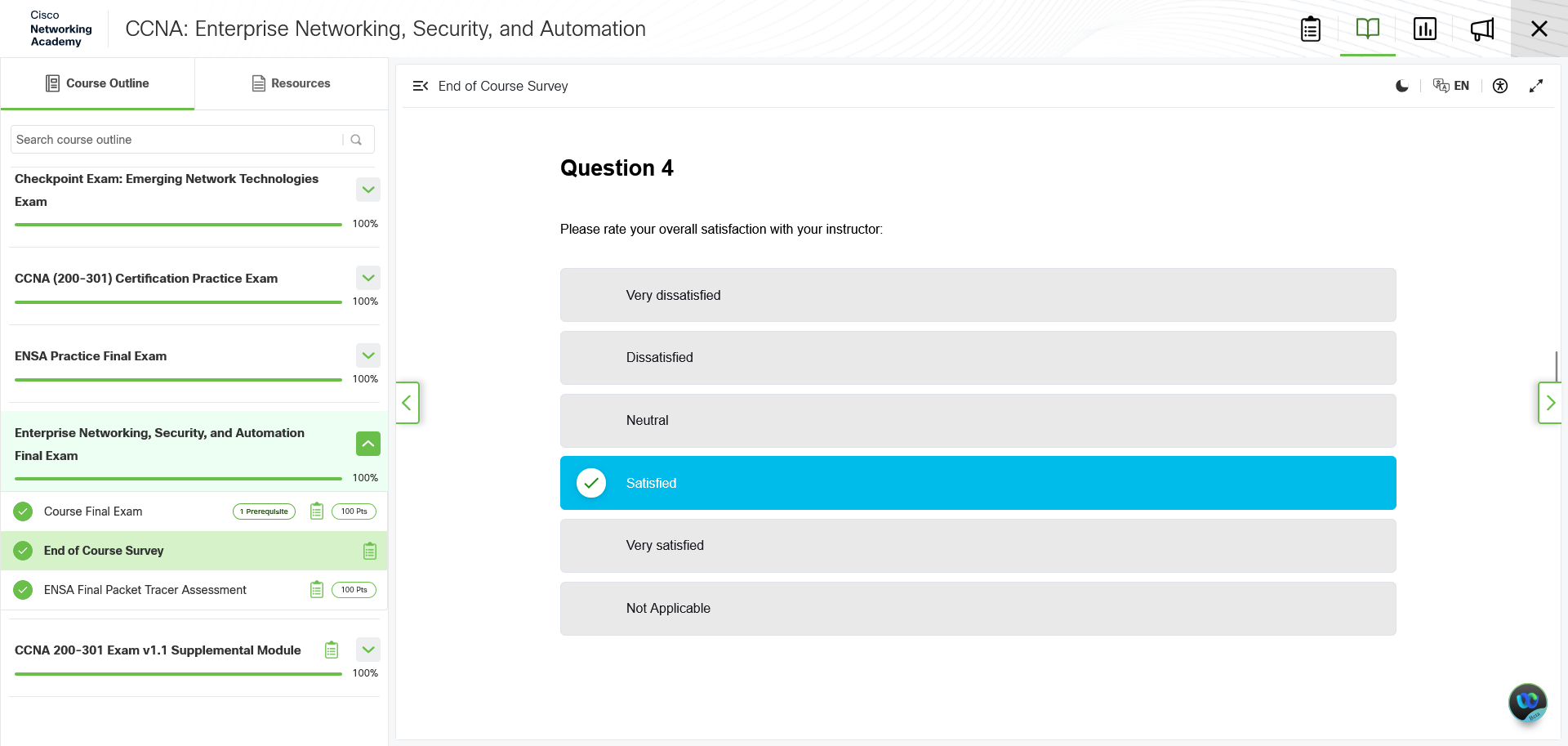
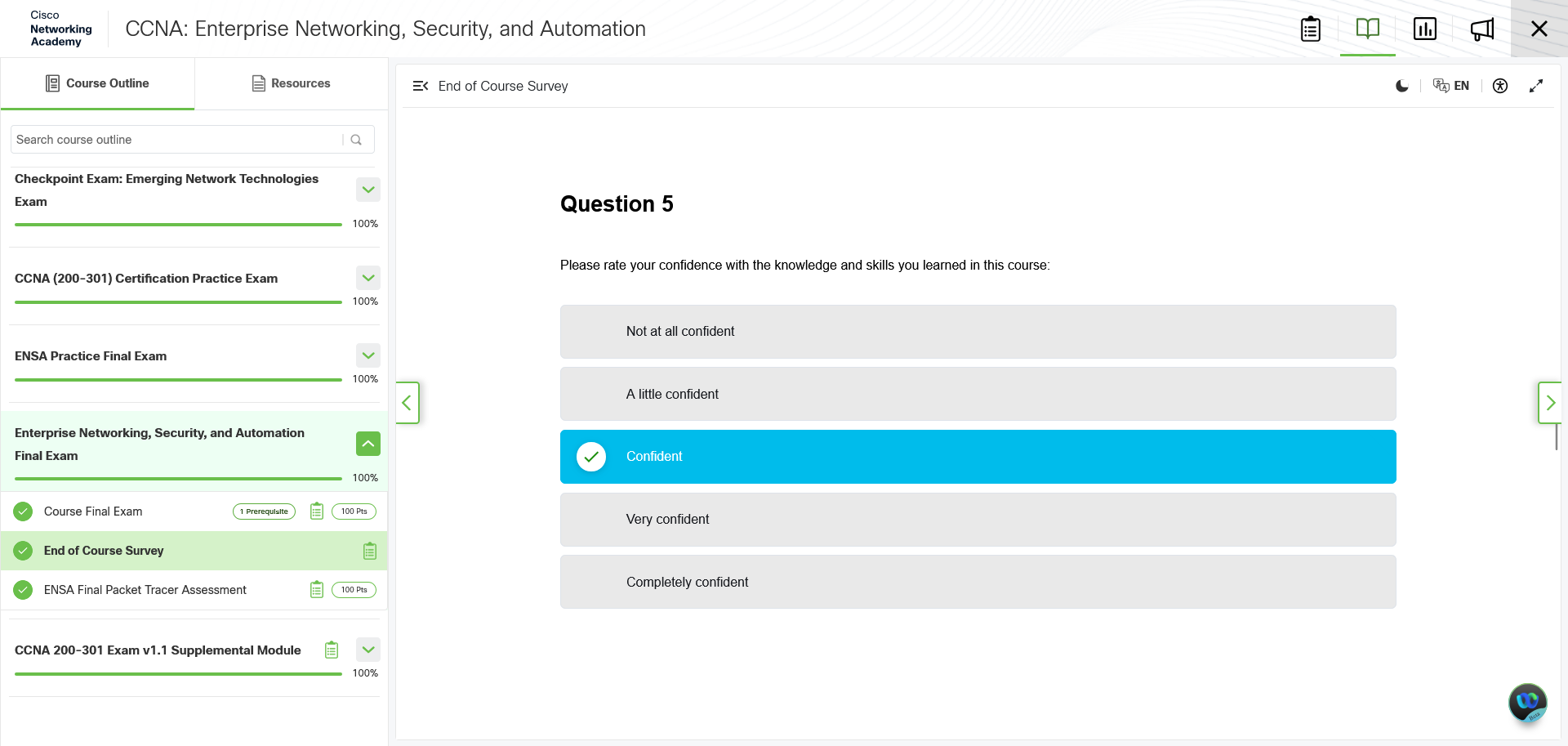
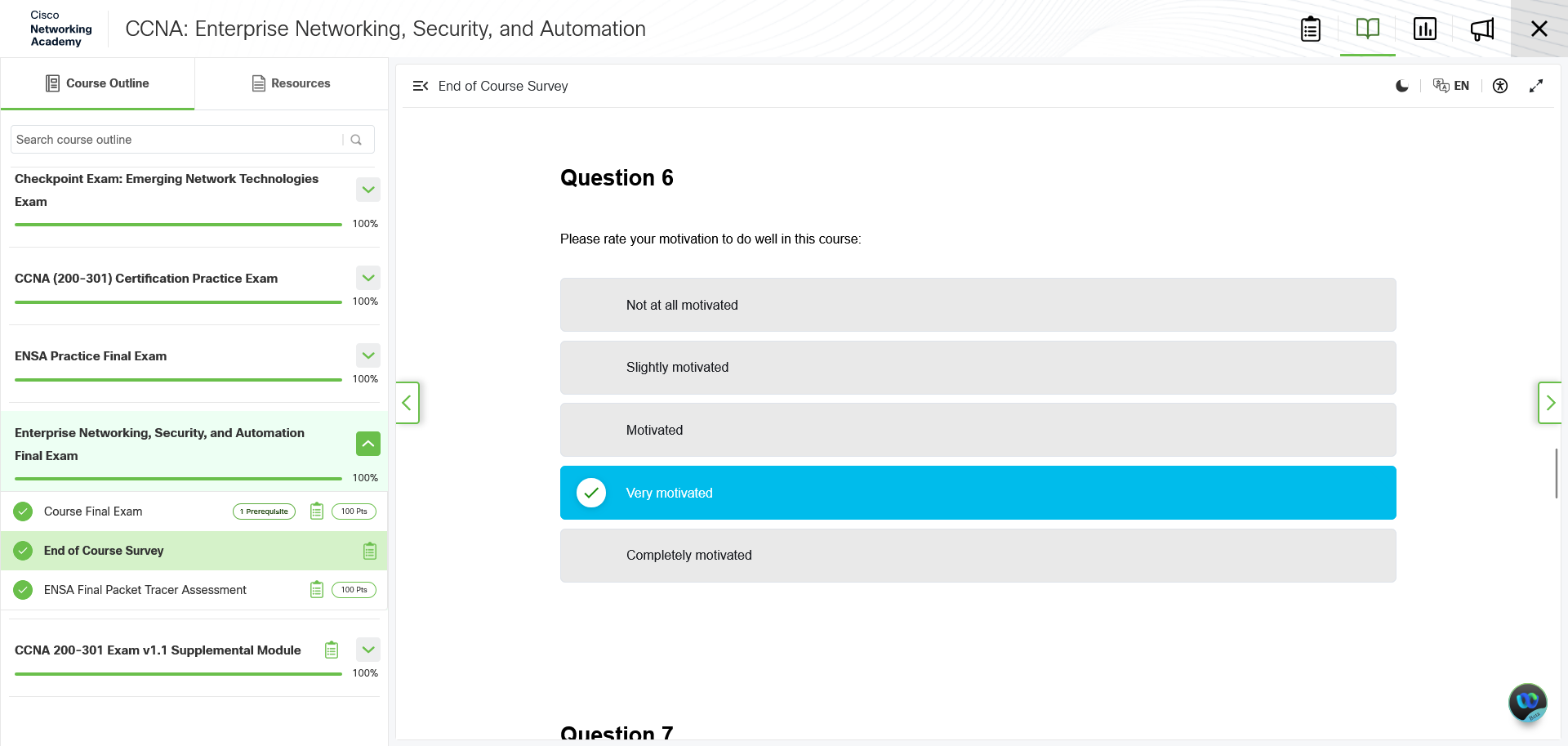
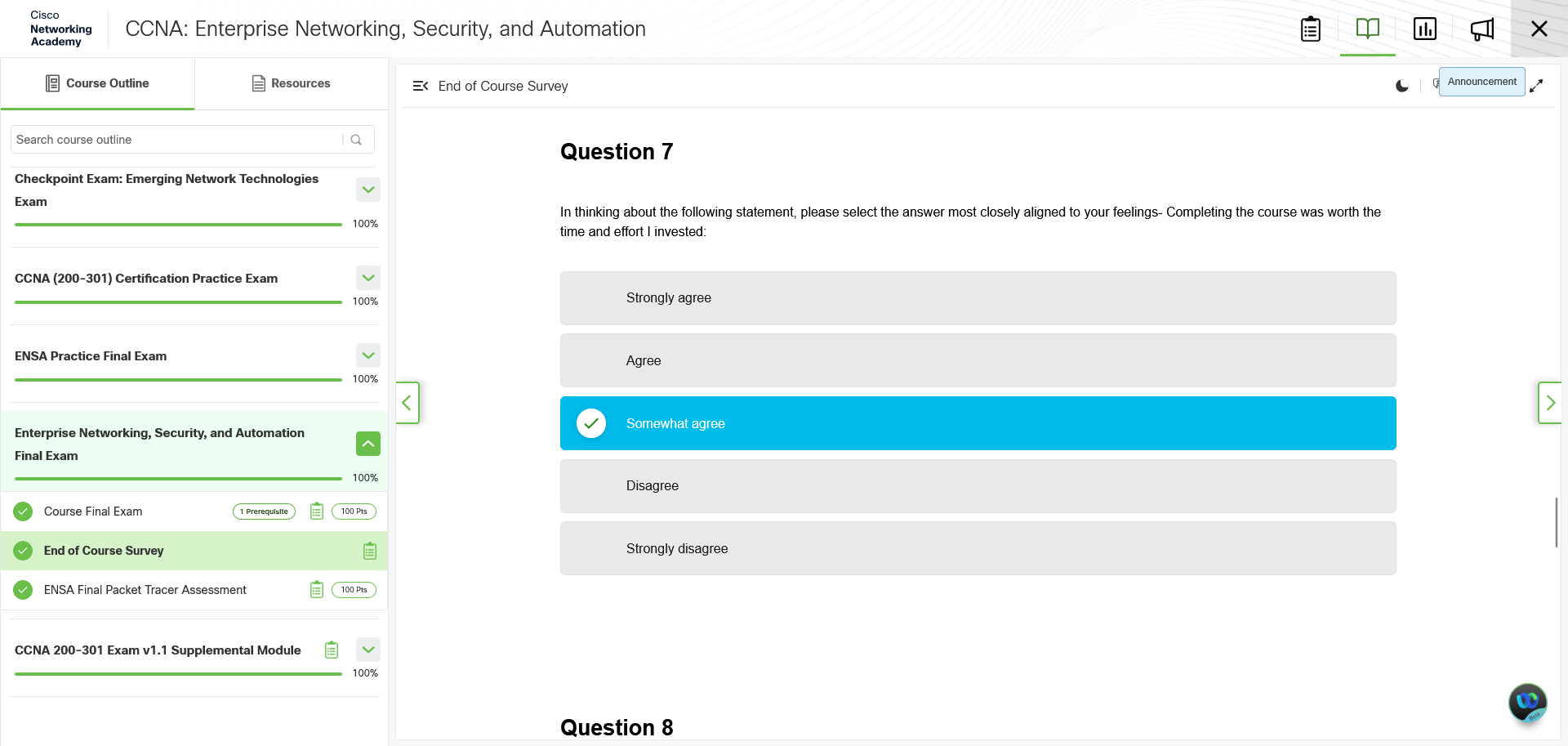
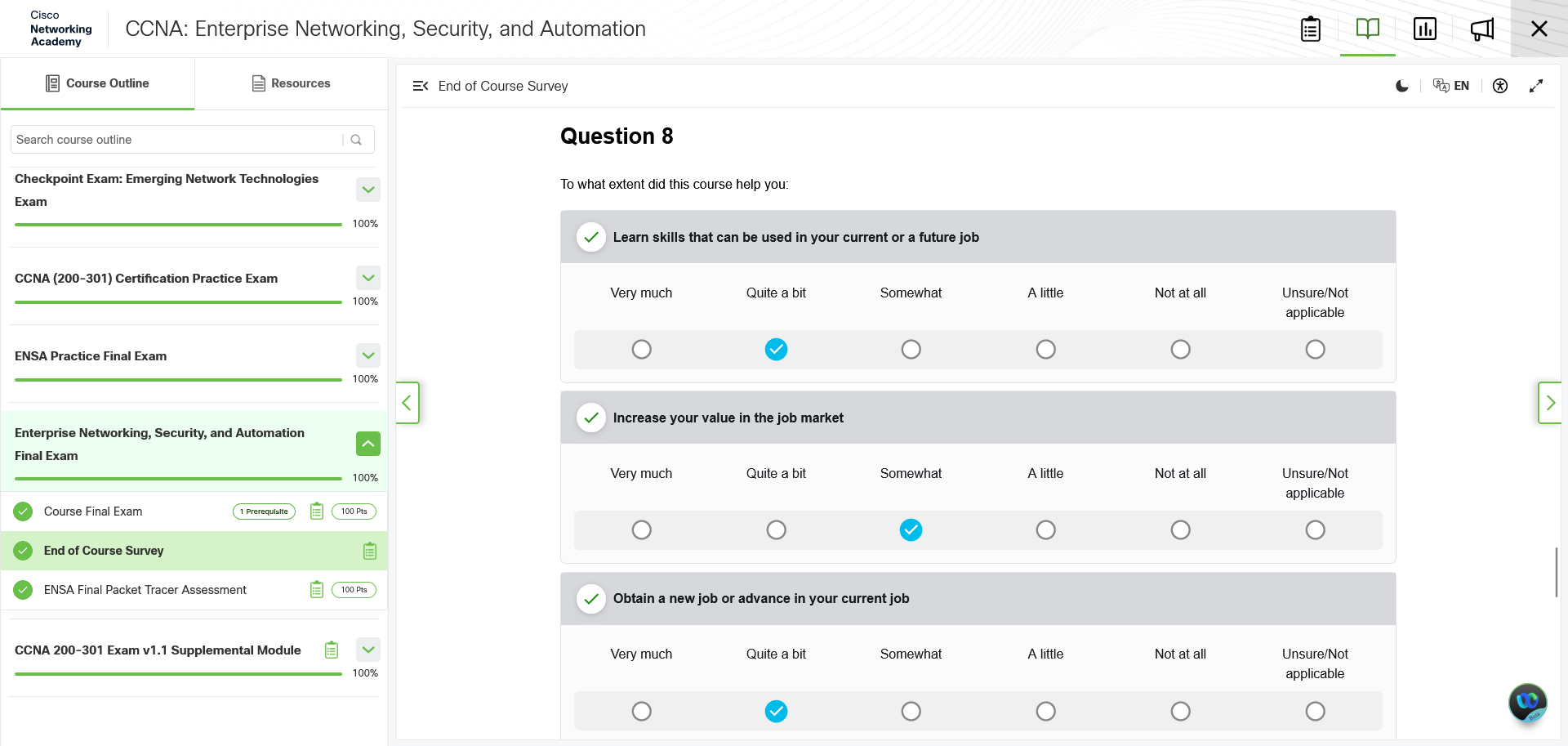
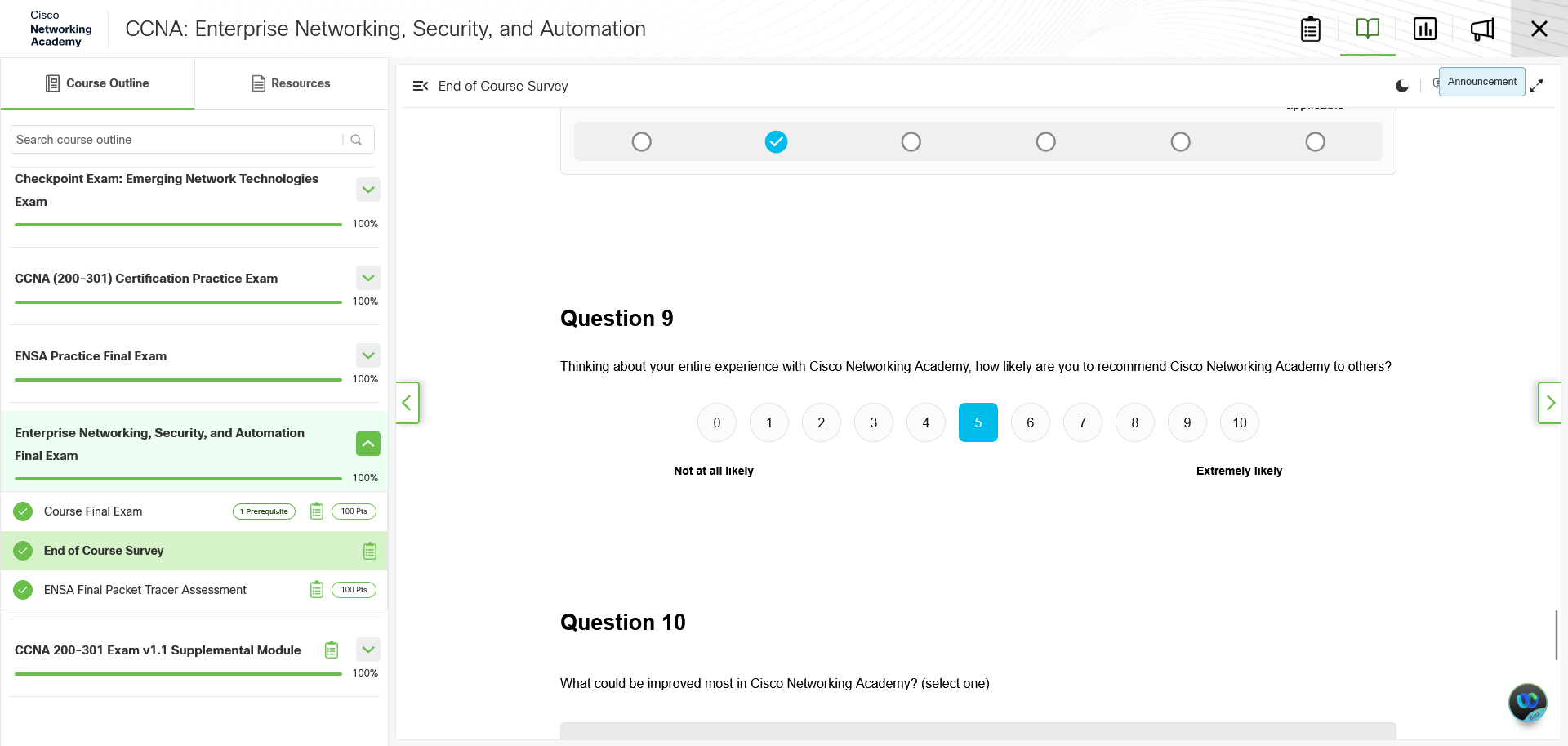
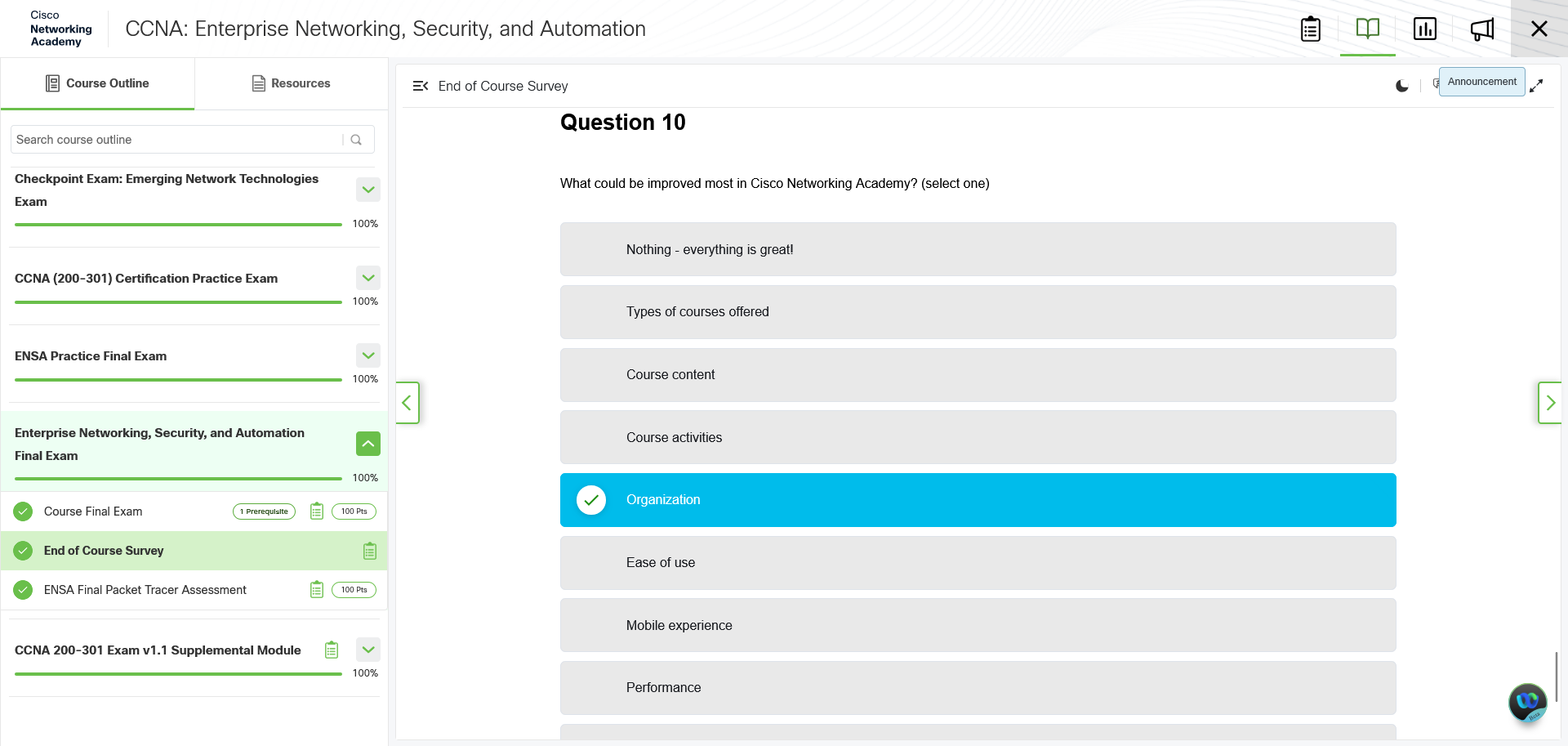
As you can see from my screen capture gallery, you just get 10 multiple or ranked choice questions, with no real ability to submit more detailed feedback. So Cisco has no real way to get information about what it doesn't do well, which means they don't have any chance of improving.
The point of dedicated feedback like this is to provide a pipeline of clear, insightful data to the team maintaining the content. Without a single optional field for freeform text input, there's no actual way to send a direct message to that team that isn't going to have bounce around whatever Cisco's end user facing contact system is.
Tips for Prospective Students
Pace Yourself
The key to a good self-learning experience is knowing how to pace yourself.
For example, I probably could've gotten through the whole thing faster if I'd maintained a 4-5 day a week schedule. And in fact, when I started and when I ended the entire CCNA course process, I did do that. But I could only achieve that pace in the beginning because the first course started with a lot of material I was already familiar with from other courses. And at the end, I was already done with the reading, so I could spend time with the practice exams, rereading all my notes, and then taking the final exams on two separate days.
However, by the time I completed the first section, I was already heading towards a 2 to 3 days of Network Academy per week schedule. Why? Because I was feeling burnt out. Going through the material that fast was tiring, especially when I had two more whole courses to get through.
By taking few days per week to go through the material, I recharged my mental batteries on off-days by doing other things. That helped me get through the particularly boring, academic prose only days.
Is that the way you should do it? Maybe, maybe not. But it's something that's good to think about before you start.
Download the Practice Exams
This is the single best tip to keep you from being bored, while also requiring the least number of Packet Tracer exercises to juggle.
As I pointed out earlier, the Packet Tracer practice exams for each course are almost always harder than the final exam. This is because they cover a lot of the more complicated aspects of Cisco IOS configuration that you tend to lose over during the valleys of academic prose. That makes them ideal for keeping your skills sharp.
There's just one problem: you can't download them from Cisco Network Academy.
Before you get your outrage pony going, you can get the Packet Tracer exercise files. You just have to look elsewhere. My personal recommendation is this YouTube channel, which does Cisco Packet Tracer exercise tutorials. The instruction PDFs and exercise files can be found in the descriptions of the relevant videos.
(Note: The channel's video naming scheme isn't great, so pick the video that's most recent to when you're watching.)
My recommendation is to do them at least once every two weeks during the academic prose only sections of the courses. You could even cycle between different ones each week. That way you keep in practice and give yourself something more interactive to carry you through those less engaging sections.
Do the Final Twice
This isn't saying you shouldn't do your best on the first try. It's reminding you of two things:
- You've got unlimited tries.
- You'll have a better idea of what you're facing the second time around.
In particular, the Packet Tracer final is going to be a lot easier if you follow these steps:
- Copy the network address chart and instructions to a word processor/text document.
- Complete your first try.
- Reorganize the instructions so things are faster/easier.
Step 3 is, at its core, just making sure you do all the tasks on one type of machine before another. If the instructions are mostly router configuration, getting through that first will make it easier to deal with switches, and vice versa. This especially helps with Packet Tracer finals where you need to unplug and replug multiple console connections, which cut into your time as well.
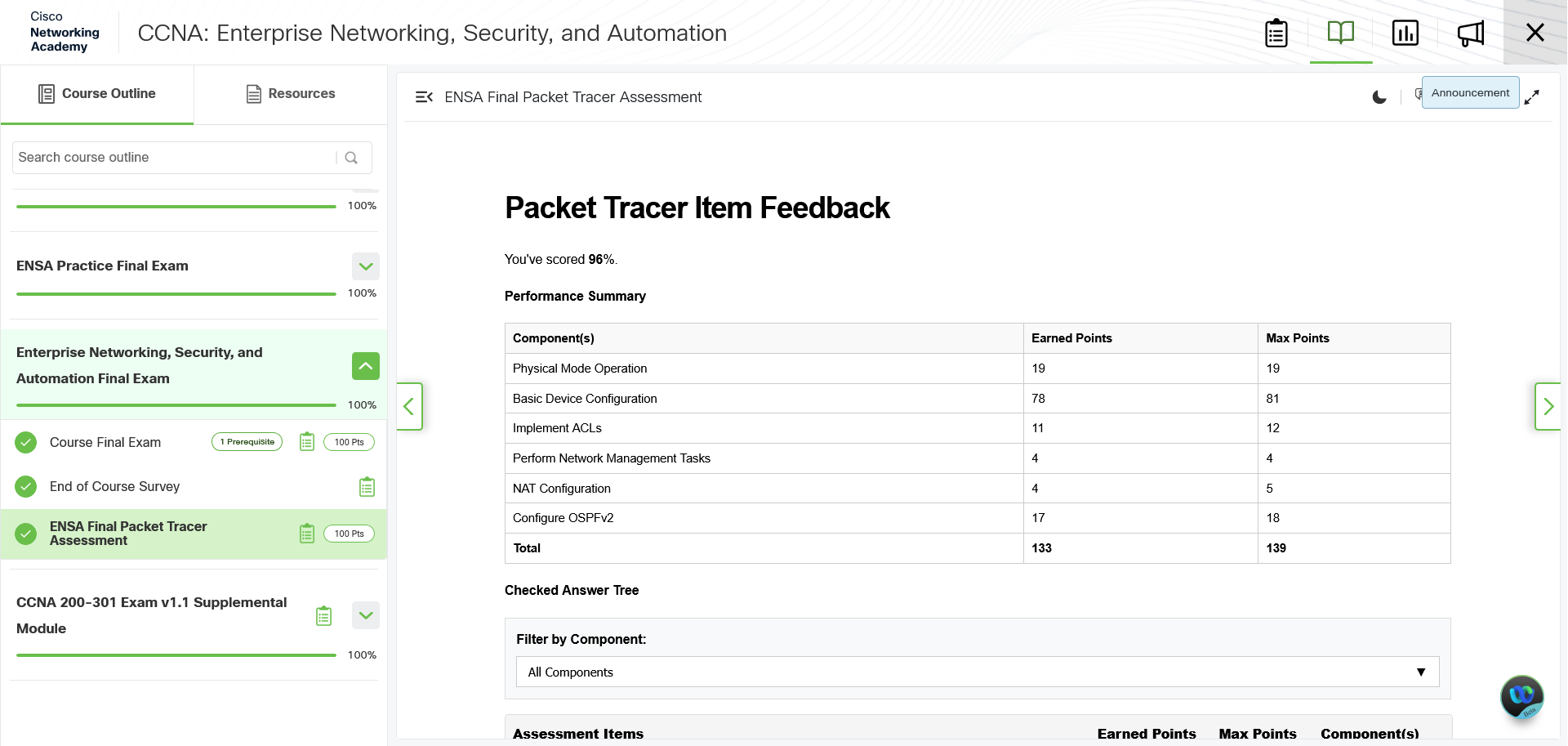
Keep in mind that everything you do in the Packet Tracer exam counts for only 1 point, and there's no points given for doing things in order.
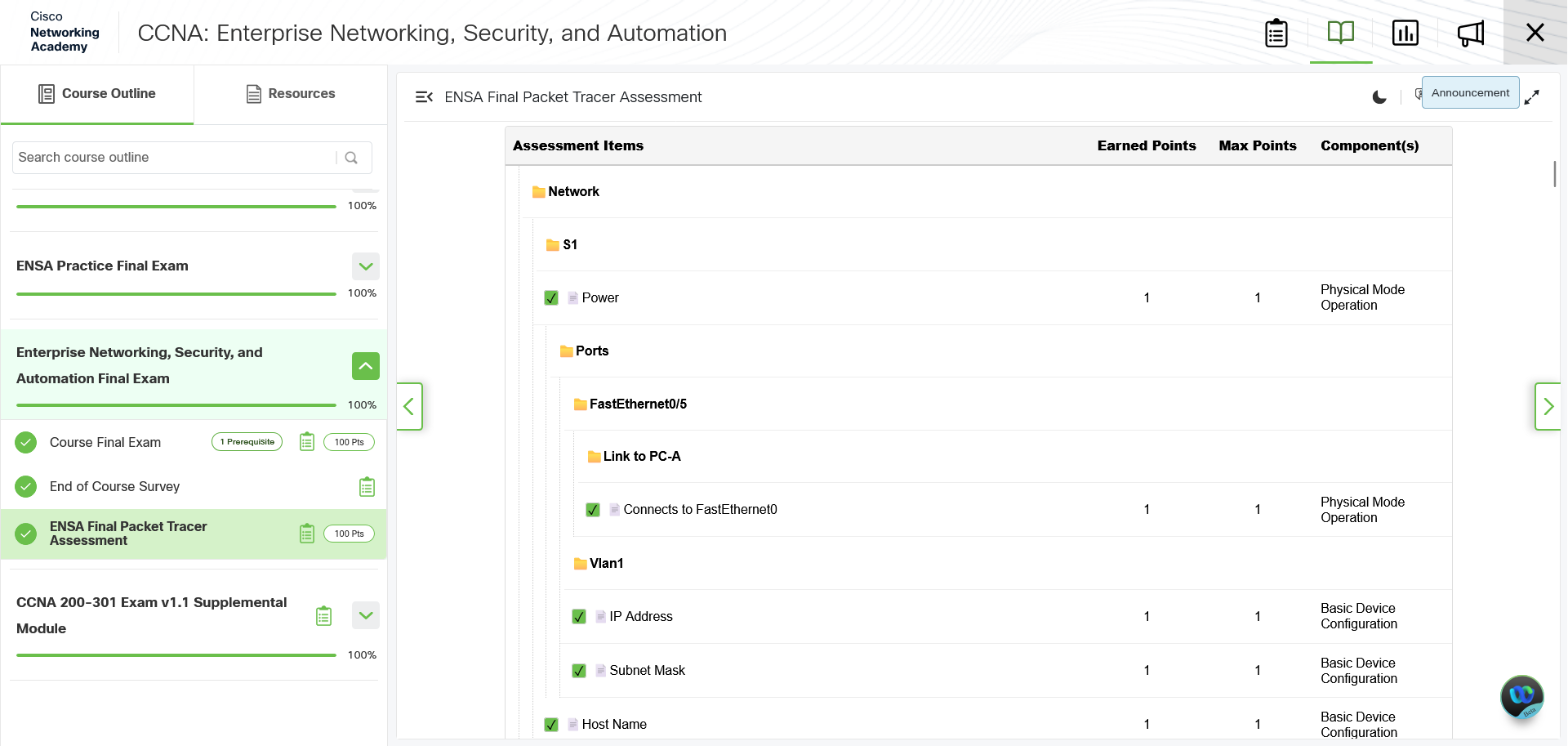
What about troubleshooting, you say? Well, while there might be some advantage of doing things in the original order and testing as you go, you're on the clock. Being able to go faster, because you're not switching between devices as often, means that you have more time to test and troubleshoot before you submit.
(It's also more realistic, but let's not get into that argument.)
I managed to go from an 85% grade on my first try at the final course Packet Tracer exam to a 96%, just by reorganizing the instructions and looking up the command for a task that never got used in any other exercises. The time I saved setting up devices gave me enough time to realize that I had misread which PC to TFTP copy configuration files to, allowing me to earn 3 points I would've otherwise lost.
Write Down the IOS Commands
Cisco IOS is a case of two extremes. You've got commands that are easy to burn into your mind, like conf t or switch mode access, and then you've got commands where you might have problems remembering the details of, like crypto key gen rsa general-keys mod 1024 or spanning-tree portfast bpduguard.
How can you remember these commands better? Well, do what people have been doing for years: write down all the Cisco IOS commands in a text document on your computer, and pull it up when you need to do exercises.
It's a simple, brute force solution to the memory problem. You get an extra repetition of writing out the command, plus the advantage of adding contextual notes, like what mode and when to use it. And by doing it all in one document, you can optimize the order of the commands when possible, to make remembering and executing the commands faster and easier.
It is probably going to be a decently long document, but considering how often you could/should be engaging with the Packet Tracer exercises, it's well worth it. You can even take it forward with you into a network engineering job and just keep building it up.
Takeaways
User-Driven Pacing
- Self-paced online learning lets students move as fast or slow as needed without being limited by a teacher or class schedule.
- Finished each of the three CCNA courses in roughly 2.5 to 3 months, usually spending 2 to 3 days per week on the material.
- Faster completion is possible depending on the student’s circumstances.
IOS Command Practice
- Network Academy provides interactive practice that helps students learn Cisco IOS commands without needing a full Packet Tracer environment.
- Syntax Checker gives step-by-step CLI configuration tasks and allows users to reveal individual commands or the full answer, so students are not permanently stuck.
- Drawbacks: the instructions and command input share the same window, causing extra scrolling when typos occur; Syntax Checker only accepts complete commands or pre-approved abbreviations.
- I recommend getting 3 to 5 clean passes on Syntax Checker before moving on.
Packet Tracer Exercises
- Packet Tracer is a free Cisco network simulator that requires a Cisco account, but Network Academy students already have one.
- The required Cisco account check is handled automatically.
- Exercises and instructions can be downloaded and kept permanently, allowing repeated practice and future review.
- A built-in progress checker shows whether parts are correct, though it does not provide exact error details.
- External tutorial videos can help students identify mistakes and learn proper Packet Tracer techniques.
Unlimited Retries
- Unlimited attempts on online quizzes and exams reduce the all-or-nothing pressure of certification testing.
- Students can rush an assessment to find weak areas or prepare thoroughly before trying; the main cost is time.
- This applies to both multiple-choice and Packet Tracer practice exams.
- There are multiple practice Packet Tracer exams, and they are usually harder than the actual final Packet Tracer exam.
Academic Prose
- Much of the course text is verbose and can bury useful information in filler.
- This is especially frustrating for note-takers who must read, identify key points, reread to verify, write, and then move on.
- One weak module can kill momentum.
- Some quiz or exam answers are hidden in the prose, making the material more annoying to work through.
- Consider reading the text, then using tools to extract course text and feed it to an LLM to generate a note friendly version.
Gaps in Interactivity
- No course can be entirely hands-on, but two of the three CCNA courses feel poorly balanced between theory and practice.
- The first course is well balanced, with frequent Syntax Checker and Packet Tracer activities.
- The other two courses have short interactive peaks separated by long stretches of academic prose.
- Long gaps between IOS exercises make it hard to retain and build on commands, especially for complex configurations.
- More advanced Cisco IOS settings receive fewer exercises than basic commands.
- YouTube tutorials can help, but better built-in practice would reduce the problem.
Not Being Able to Copy Text
- The platform does not allow users to copy course text.
- The restriction is understandable if the material was recently updated, but it is frustrating when the text is wordy.
- It would be optimal to copy text into a word processor and rewrite it into clearer notes.
- Copying would also allow copying text-based charts and infographics; I made about 80 screenshots for the third course alone.
- Without copy access, creating digital notes requires time-consuming OCR or manual re-entry.
Quiz/Exam Errors
- It's frustrating when a quiz or exam marks an answer wrong even though the course text says that answer is correct.
- I've seen this on many online platforms, but Network Academy does not provide a useful way to flag quiz or exam errors.
Packet Tracer Exam Timers
- Packet Tracer practice and final exams are timed at 75 minutes.
- The timer starts before the student downloads and opens the Packet Tracer exam file, costing up to about one minute.
- An additional minute may be lost if the student copies the on-screen instructions and network address chart into a word processor to make them readable.
- The exam instructions occupy the left third of the Packet Tracer window, making them less convenient to read.
- The lost time stacks on top of reading instructions, completing tasks, double-checking work, and recovering from mistakes.
- Since the exam file auto-saves to a server, the timer could theoretically start when the file is mostly loaded, giving students the full 75 minutes.
The Course Survey
- The end-of-course survey is poor because it only has about 10 multiple-choice or ranked-choice questions.
- It lacks a free-form field, preventing students from giving detailed feedback.
- Without free-form feedback, Cisco has little direct insight into what the course does poorly and how to improve.
Pace Yourself
- Self-learning success depends on choosing a sustainable pace.
- I initially used a 4 to 5 days-per-week pace because the first course covered familiar material, then ended the final course with a similar pace.
- After the first section, I settled into 2 to 3 days per week to avoid burnout.
- Off-days helped recharge mental energy and made the boring, prose-heavy sections easier to endure.
- Students should think about their own pacing before starting, though the author’s approach may not be best for everyone.
Download the Practice Exams
- Downloading and working through Packet Tracer practice exams is the best way to reduce boredom and maintain hands-on skills.
- It also minimizes the number of separate Packet Tracer exercises you need to juggle.
- Practice Packet Tracer exams are usually harder than the final exam because they cover complex IOS configuration topics that fade during long prose sections.
- The practice exam files are not downloadable directly from Network Academy, but they can be found elsewhere.
- Do a practice exam at least once every two weeks during prose-only sections, or cycle through different exams weekly.
Do the Final Twice
- Students should still do their best on the first attempt, but unlimited retries and improved familiarity make a second attempt valuable.
- For the Packet Tracer final, copy the network address chart and instructions into a text document or word processor.
- Complete the first attempt, then reorganize the instructions to make the second attempt faster and easier.
- Key strategy: complete all tasks on one type of device before moving to another, such as finishing router work before switch work.
- This is especially helpful when the exam requires unplugging and replugging multiple console connections, which wastes time.
- Every task in the Packet Tracer exam is worth 1 point, and there is no bonus for doing tasks in the original order.
- Although following the original order can help with testing as you go, reducing device switching gives more time to troubleshoot before submitting.
Write Down the IOS Commands
- Cisco IOS contains both simple commands that are easy to remember and complex commands that are hard to recall in full.
- A practical solution is to create a text document listing all Cisco IOS commands you need to learn.
- Writing the commands adds repetition, and adding notes about mode and usage improves recall.
- The same document can be carried into a network engineering job and continued to grow.